Control
One of the books I recommend anyone to read is “The Shallows” by Nicholas Carr. It’s a disturbing read on the impact of the internet on our brains. It highlights how the introduction of the technology has been leading to shallow thinking, reduced focus, and well-being.
Inspired by the book, I wanted to build a tool that could promote more purposeful internet usage. A popular method to reduce mindless browsing on the internet is website blocking.
During periods in my life when I felt the need for such intervention, I remember website blocking as a punitive and frustrating method. It gives you a hard “NO” when trying to reach your dopamine haven.
It felt bad, like a little kid getting a rejection from their parent. And while it can be effective, it’s not a pleasant experience to go through.
A New Gate
Addictive platforms can provide meaningful value if we use them when we really need to - and yet, we tend to quickly get lost in endless scrolling, forgetting why we entered the website in the first place.
If we can set the intention of visiting a website just before we enter it - that could potentially reduce the risk of mindless usage.
Set by this simple idea, I started building a browser extension - called Control.
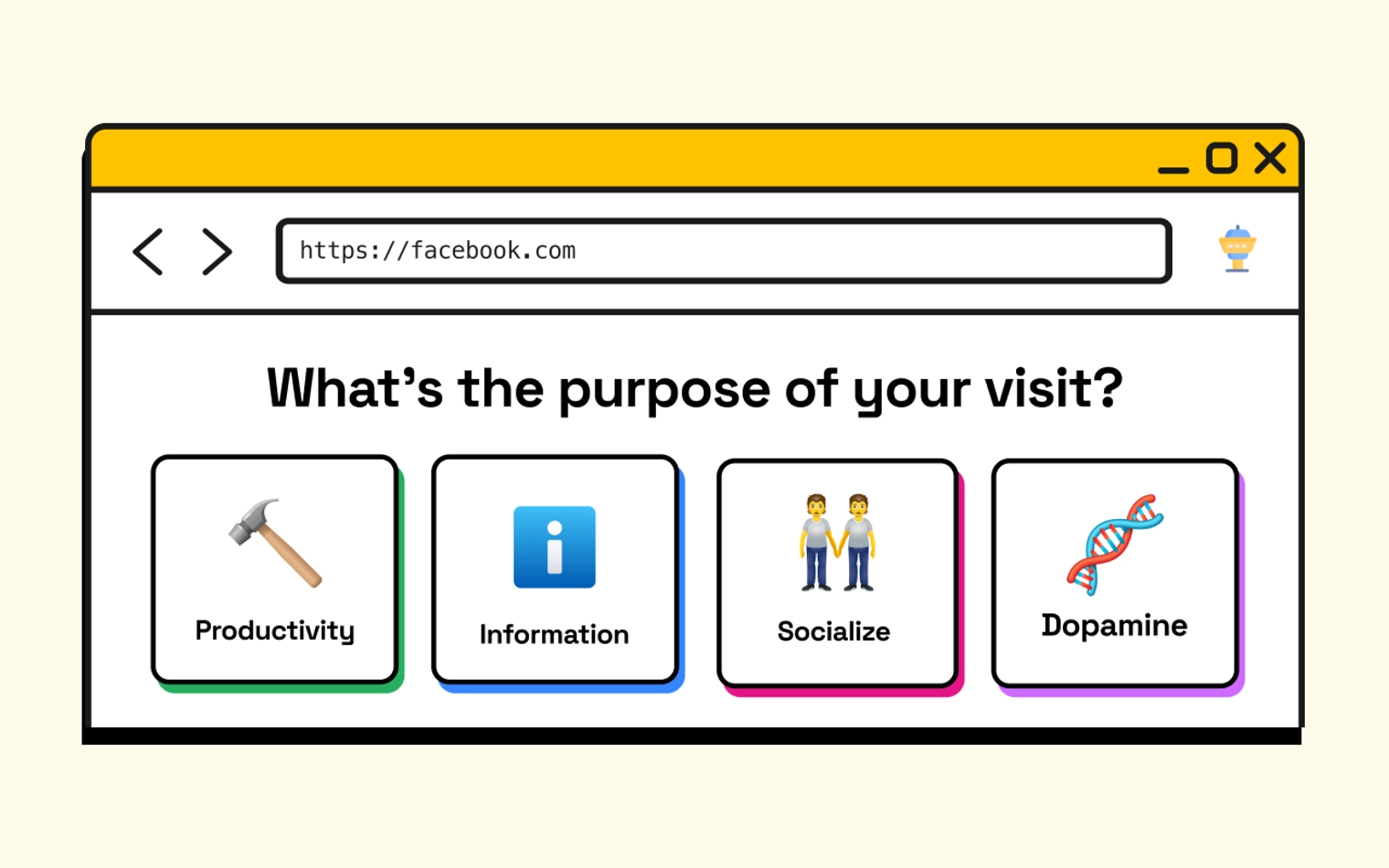
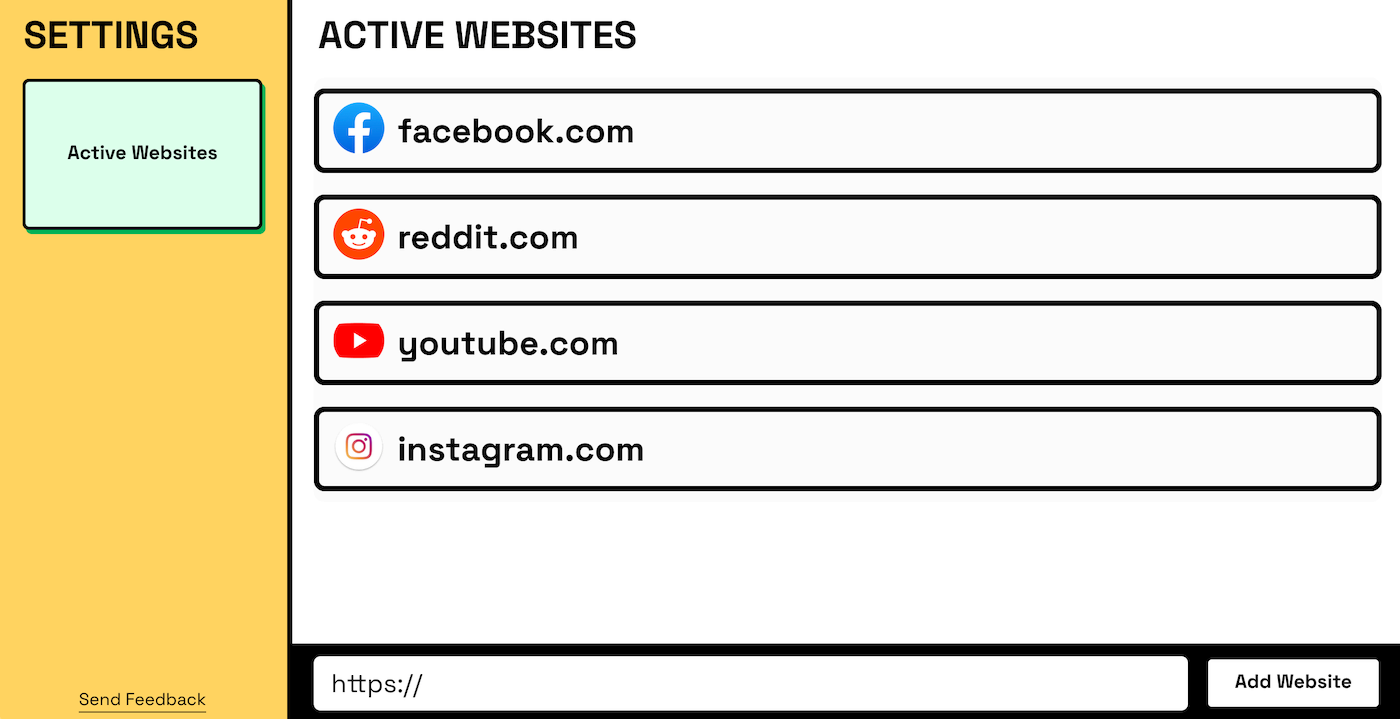
Instead of just blocking websites outright, Control acts as an “intention gate.” When you try to visit a controlled site, it asks: “What’s the purpose of your visit?”.
I came up with 4 categories to answer that question.
- 🔨 Productivity - work or creative stuff
- ℹ️ Information - reading and learning
- 👬 Socialize - checking up with friends or connecting with others
- 🧬 Dopamine - entertainment, quick gratification, or mindless scrolling
After selecting a category, users set a session length. For “Socialize” and “Dopamine” categories, there’s an additional prompt:
- Socialize: With whom will you socialize?
- Dopamine: What will you get from your visit?
These extra steps encourage another reflection on the purpose and value of the visit.
Once you enter the site, a timer displays at the bottom of the screen, serving as a reminder that you’re here on a mission.
Design
I wanted the design to avoid the stressful feeling that website blockers tend to have. I aimed for the extension to be inviting and enjoyable to use. The colorful elements and funky animations make it almost feel like a game.
Conclusion
I had to stop developing Control due to a new client project. I still think it’s a great idea and hope to get back to it one day.